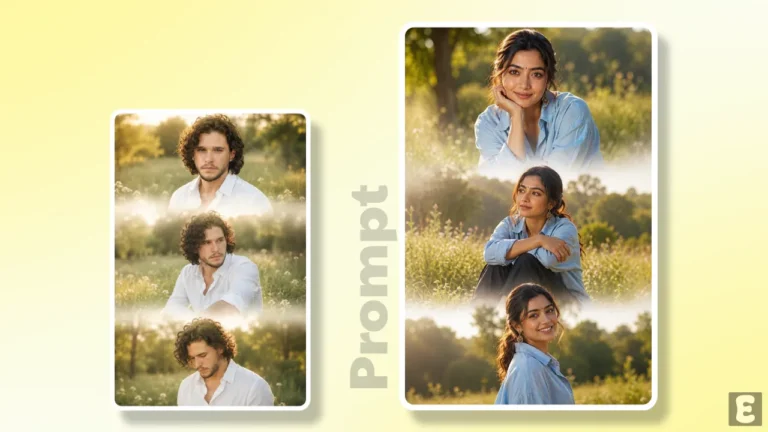
Convert Your Day Photo into Moon Light Night Sky Photo with AI Prompt
You often click photos at different places during the day, and many times you must think, “I wish this moment happened during the night; the photo would’ve looked so much better”. Don’t worry! You can now turn your daytime photo into a moonlit night sky in just a few seconds using ChatGPT/Gemini and a secret prompt.
While there are numerous filters and effects available on Instagram for night skies and moonlight, if you use them, they might look like everyone else’s copy. However, if you apply a “Moonlit Night Sky Effect” to your photo using an AI prompt, it will look quite unique and aesthetic.
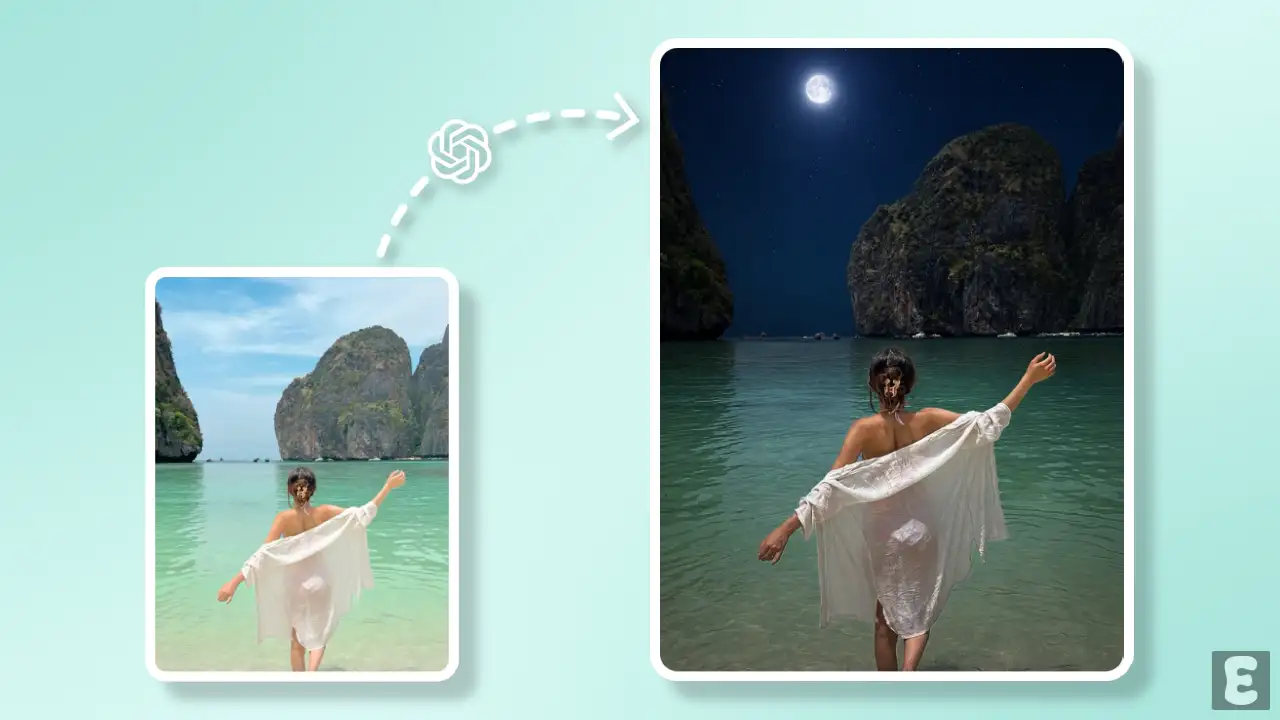
Trending Aesthetic Moon Light Photo Editing Prompt
A good ‘moonlight night photo’ looks dreamy but still feels connected to reality. And generative AI tools such as ChatGPT and Gemini are capable of achieving this. By using AI, you can make your pictures as creative as possible.
For this, I have mentioned the necessary prompts and steps (along with pictures) one by one below. By following these steps, you can transform your normal daytime photos into aesthetic images with a moonlight effect and share them on Facebook and Instagram Stories.
How to Create Viral Moon Light Night Sky Photo Using AI Prompt
Method 1. Using ChatGPT + AI Prompt
Step 1. Open ChatGPT App or Website (Chatgpt.com).
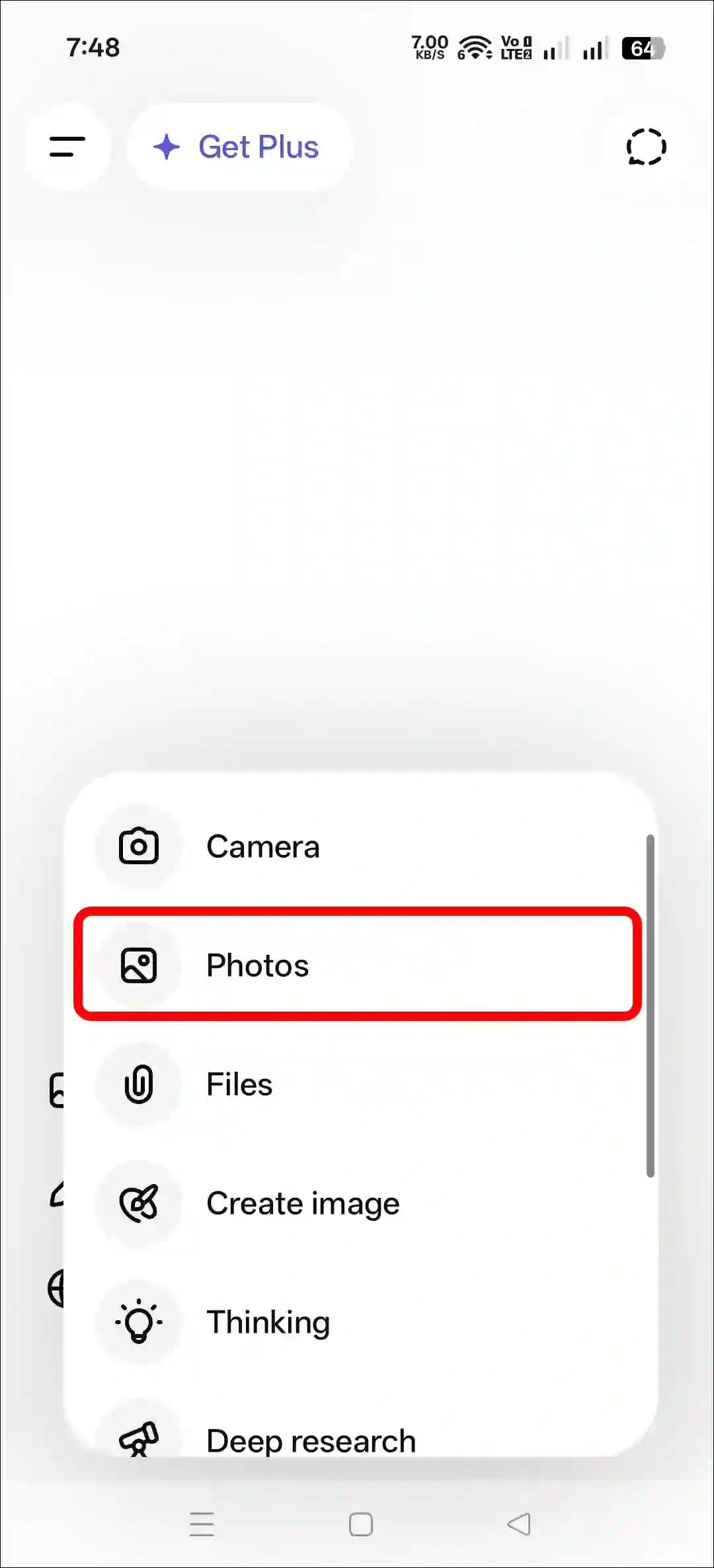
Step 2. Tap on “+” Icon and then Photos.

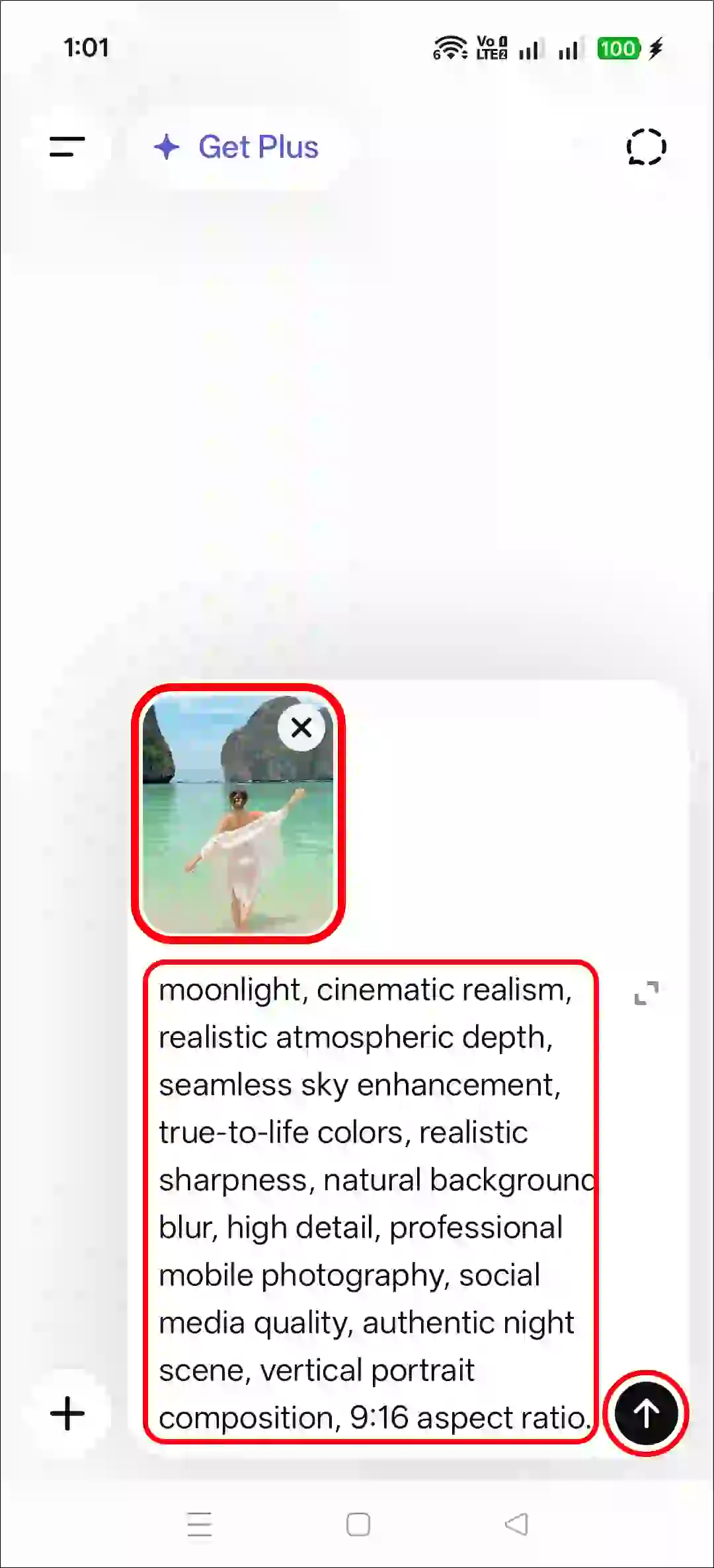
Step 3. Now, Upload a Photo as a Reference.
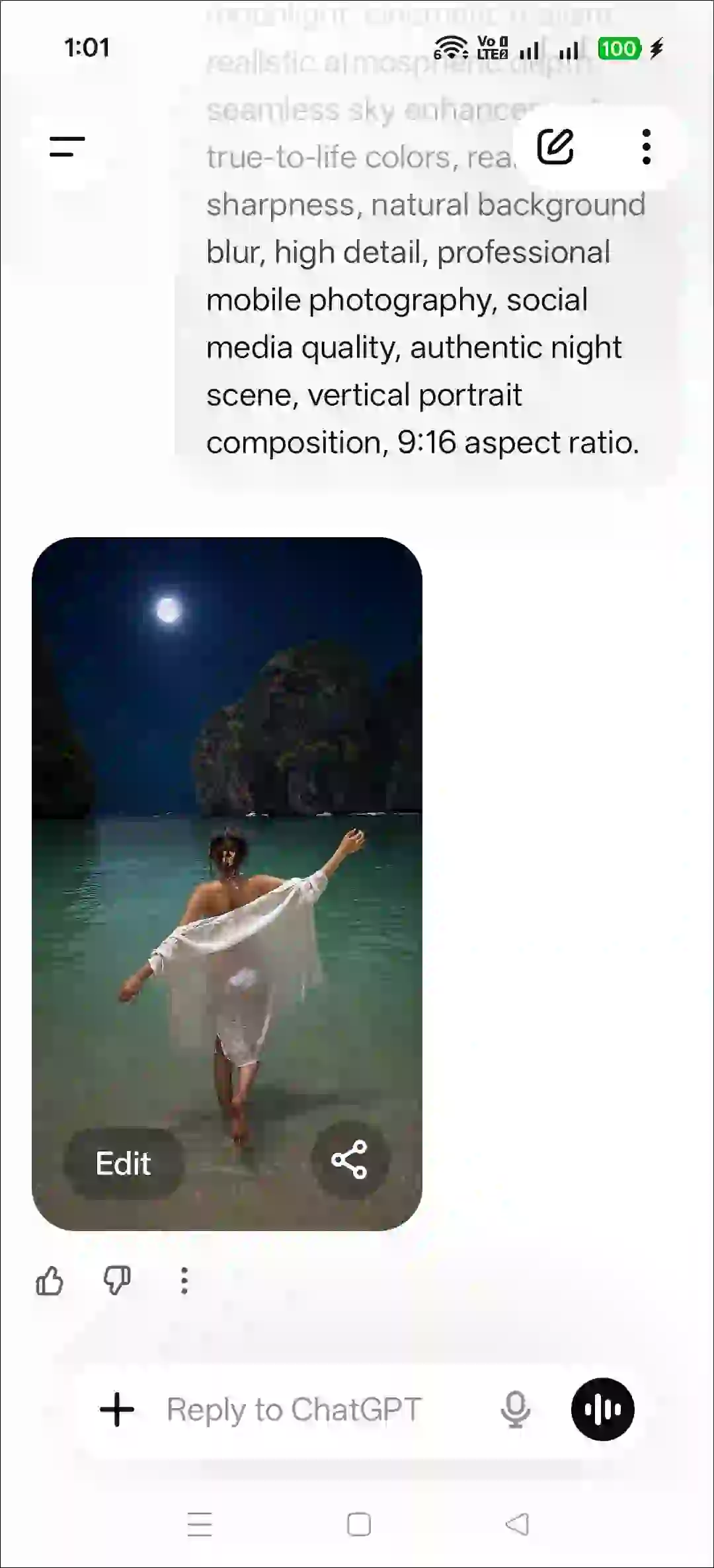
Step 4. Next, Copy and Paste the Prompt and Tap on Arrow Icon.
Step 5. Now, Your Photo is Ready to Use.
Method 2. Using Gemini + AI Prompt
- Open Gemini App or Website.
- Tap on “+” Icon and Select Images (Create and Edit) Option.
- Tap on “+” Icon and Select Photos Option and Upload a Picture.
- Now, Copy and Paste the Following Prompt in the Text Box Tap on Arrow.
- Wait for a While! Your Sunset Effect Photo is Here.
That’s all! You’re done…
Try More Viral Prompts:
- Funny Big T-Shirt and Pant Photo Prompt
- Dirty Mirror Selfie Clean Prompt
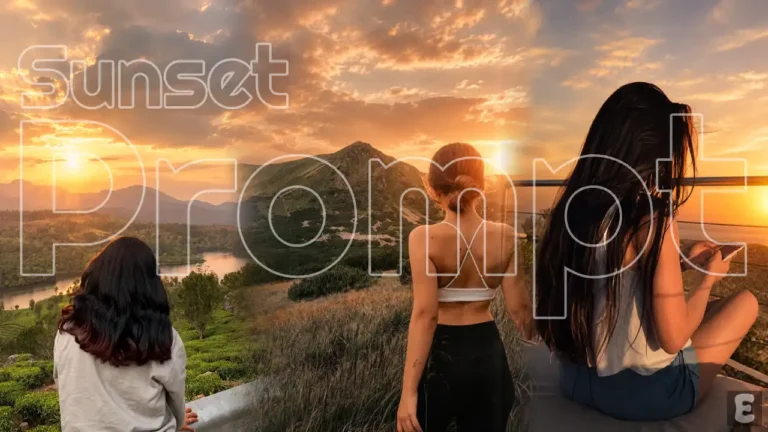
- Instagram’s Sunset Effect Prompt
Copy Instagram’s Trending Moon Light Photo Editing Prompt
Use the uploaded image as the reference. Preserve the original location exactly as it appears in the reference photo. Do not replace, alter, remove, move, or redesign any background elements. Keep the same road, sidewalk, electric poles, vegetation, street layout, perspective, depth, camera angle, framing, and composition exactly identical to the original image. Maintain the same subject position and environmental structure. Keep the subject 100% unchanged, including the exact face, facial features, expression, hairstyle, skin tone, body shape, clothing, accessories, pose, hand placement, and proportions. Do not beautify, retouch, age-shift, or modify any part of the subject. Enhance only the sky portion of the image. Transform the existing sky into a realistic deep midnight-blue night sky with naturally scattered stars and a realistically sized bright full moon positioned high in the sky. The moon should look naturally photographed, not digitally added, with subtle atmospheric glow and realistic brightness. Maintain natural moonlight consistency with the existing environment. Create the appearance of an authentic iPhone 16 Pro Max Night Mode photograph. Use realistic exposure, balanced highlights and shadows, accurate skin tones, subtle sensor grain, natural dynamic range, realistic light falloff, soft lens bloom around bright light sources, gentle depth of field, and believable nighttime ambience. The final result should look like a genuine outdoor photo captured at night on an iPhone, not an edited image or AI-generated artwork. Ultra photorealistic, raw smartphone photography, natural moonlight, cinematic realism, realistic atmospheric depth, seamless sky enhancement, true-to-life colors, realistic sharpness, natural background blur, high detail, professional mobile photography, social media quality, authentic night scene, vertical portrait composition, 9:16 aspect ratio.FAQs
Q 1. Will These Prompts Work for Both Girls and Boys?
Answer – Yes! Both boys and girls can use these prompts to turn their normal daylight photos into nighttime moonlight photos. Just click on any prompt to copy it to your clipboard.
Q 2. I wrote the prompt, and the moon is in the photo, but my face changed. What should I do now?
Answer – Don’t worry! This happens sometimes. You can resubmit the photo to regenerate it. Also, you can add a short line in the prompt below, and your face will stay exactly as it is in the reference photo.
Additional Line: Only change lighting, keep everything else identical.