Create Instagram’s 3 Layer Photo Using ChatGPT Prompt (Boys and Girls)
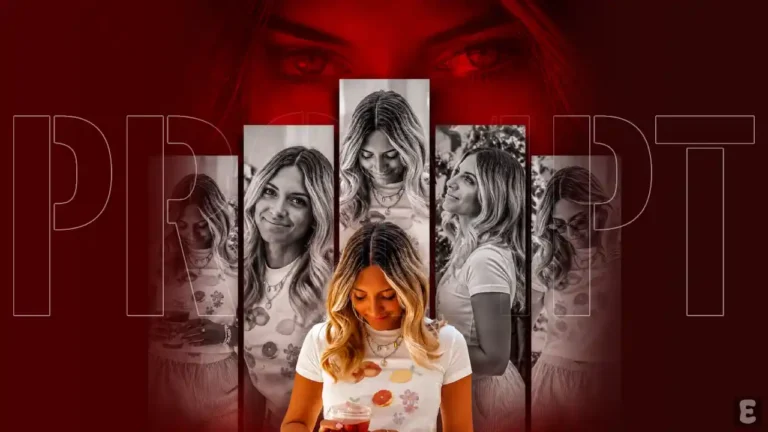
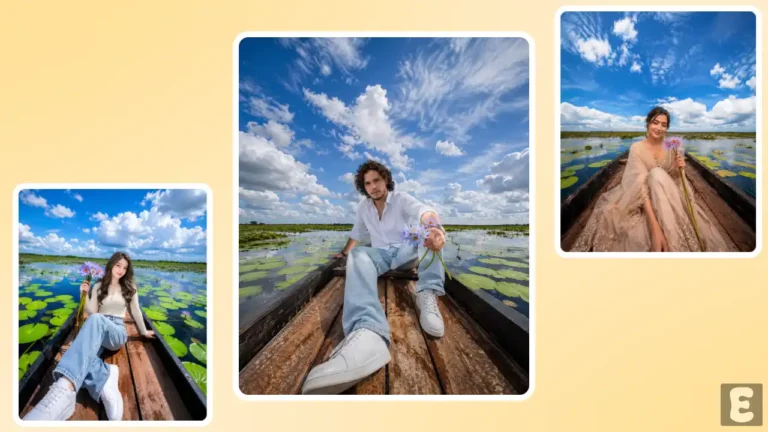
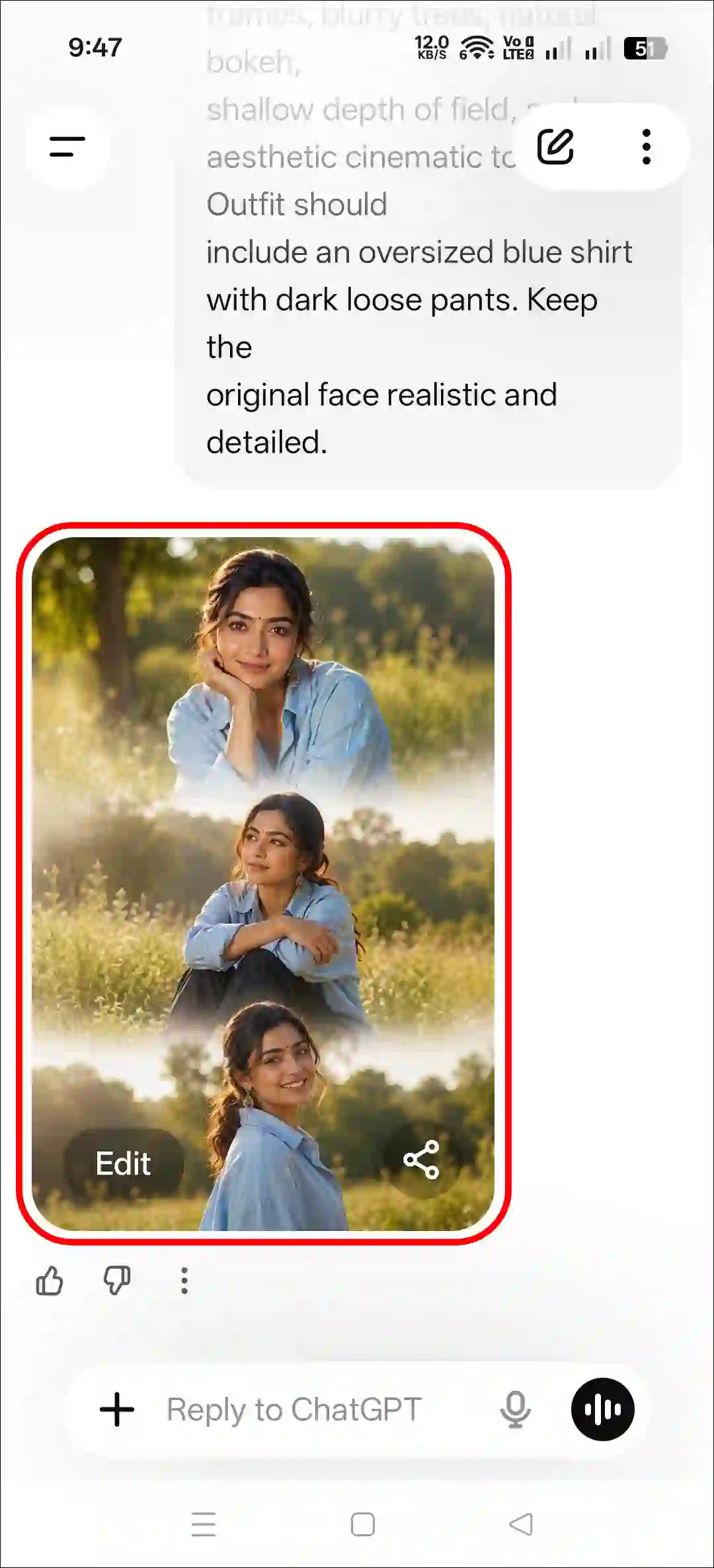
Right now on Instagram, this 3-layer aesthetic photo (also known as a vertical triptych collage AI photo) is going extremely viral. It looks quite attractive; you too can make it and share it on your Instagram and Facebook stories.
To create this, you will need a 3-layer photo prompt and ChatGPT. I have included the prompt in this post. Both boys and girls can create this three-layer photo. Let’s find out how you can create this viral 3-layer photo collage featuring your face.
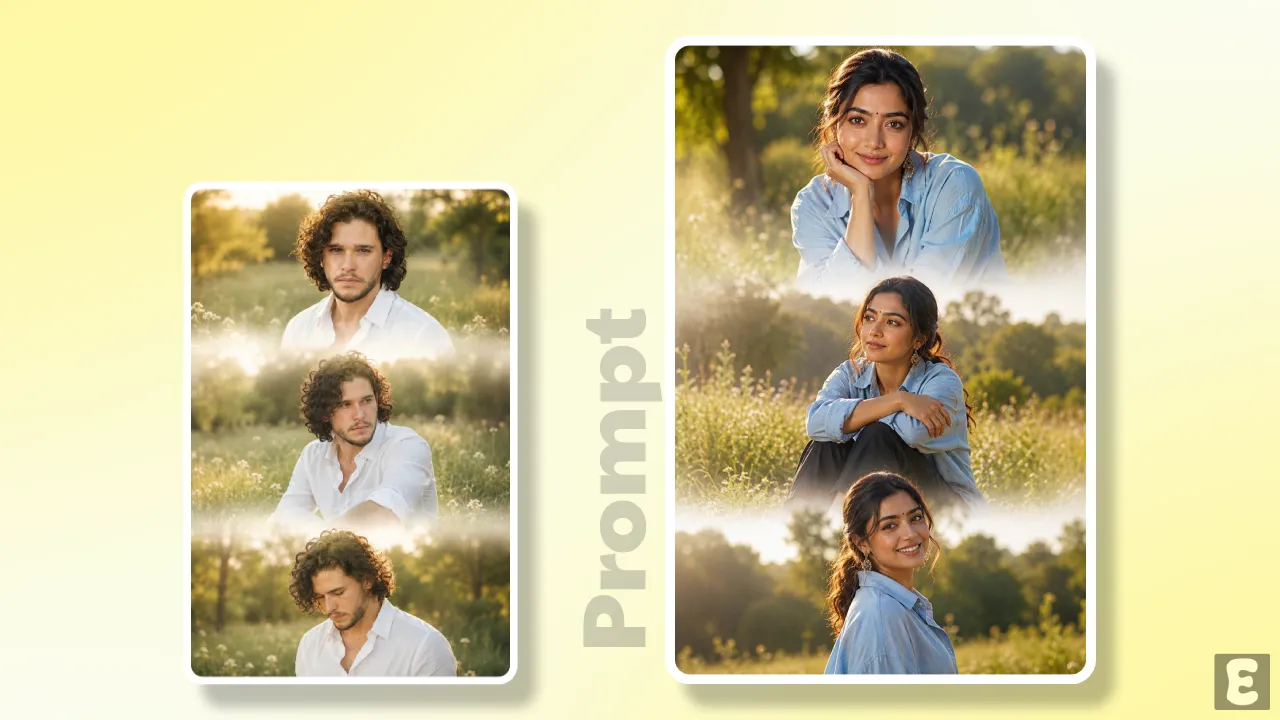
Based on the reference photo you uploaded, this image will be transformed into a 3-layer vertical collage, featuring a white fade transition layout between the three photos that will truly enhance the visual appeal. You’ll find natural bokeh behind the subject, along with blurry trees that add an aesthetic, cinematic tone.
By default, the prompt will pick up the outfit from your reference photo; however, if you wish, you can add your preferred attire by simply adding a short line. Without taking up too much of your time, let me walk you through all the steps below, one by one.
Here’s How I Created Instagram’s 3 Layer Photo Using ChatGPT Prompt
Let me tell you that you can generate this image using both ChatGPT and Gemini; whether you use an AI app or a website, both are capable of creating it. You will also find the necessary prompt for this below, which you can copy with just a single click.
Method 1. Using ChatGPT + AI Prompt
Step 1. Open ChatGPT App or Website (Chatgpt.com).
Step 2. Tap on “+” Icon and then Photos.

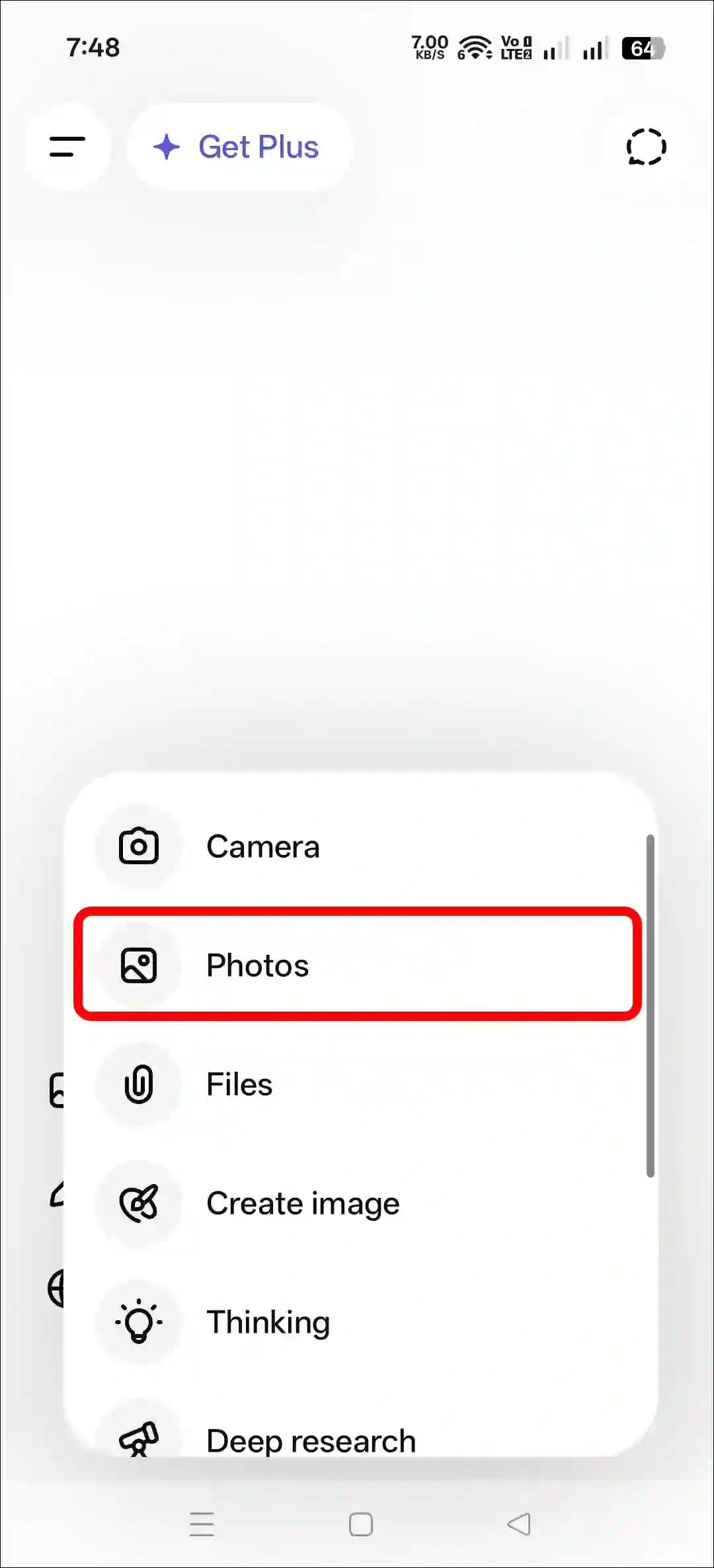
Step 3. Now, Upload a Photo as a Reference.
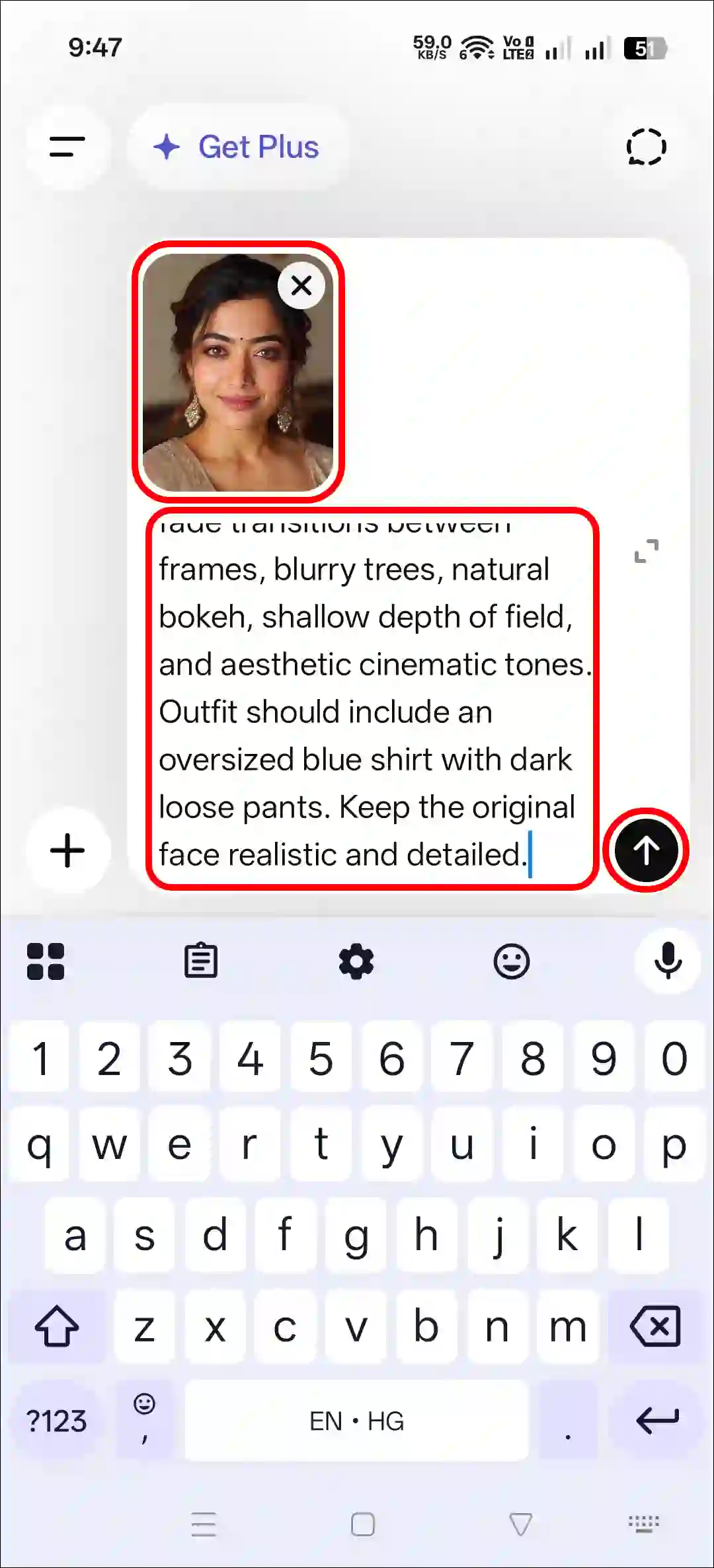
Step 4. Next, Copy and Paste the Prompt and Tap on Arrow Icon.
Step 5. Now, Your Photo is Ready to Use.
Method 2. Using Gemini + AI Prompt
- Open Gemini App or Website.
- Tap on “+” Icon and Select Images (Create and Edit) Option.
- Tap on “+” Icon and Select Photos Option and Upload a Picture.
- Now, Copy and Paste the Following Prompt in the Text Box Tap on Arrow.
- Wait for a While! Your Sunset Effect Photo is Here.
That’s all! You’re done…
Copy Instagram’s 3 Layer Photo Editing Prompt
Prompt 1. Default Outfit
Create a dreamy cinematic vertical triptych collage using the
uploaded photo. Show the same person in three emotional poses
standing in a lush green meadow during golden daylight. Add soft
white fade transitions between frames, blurry trees, natural bokeh,
shallow depth of field, and aesthetic cinematic tones. Keep the
original face realistic and detailed.
Prompt 2. Blue Shirt & Dark Pant Outfit
Create a dreamy cinematic vertical triptych collage using the
uploaded photo. Show the same person in three emotional poses
standing in a lush green meadow during golden daylight. Add soft
white fade transitions between frames, blurry trees, natural bokeh,
shallow depth of field, and aesthetic cinematic tones. Outfit should
include an oversized blue shirt with dark loose pants. Keep the
original face realistic and detailed.
Here are More 3 Layer Prompts
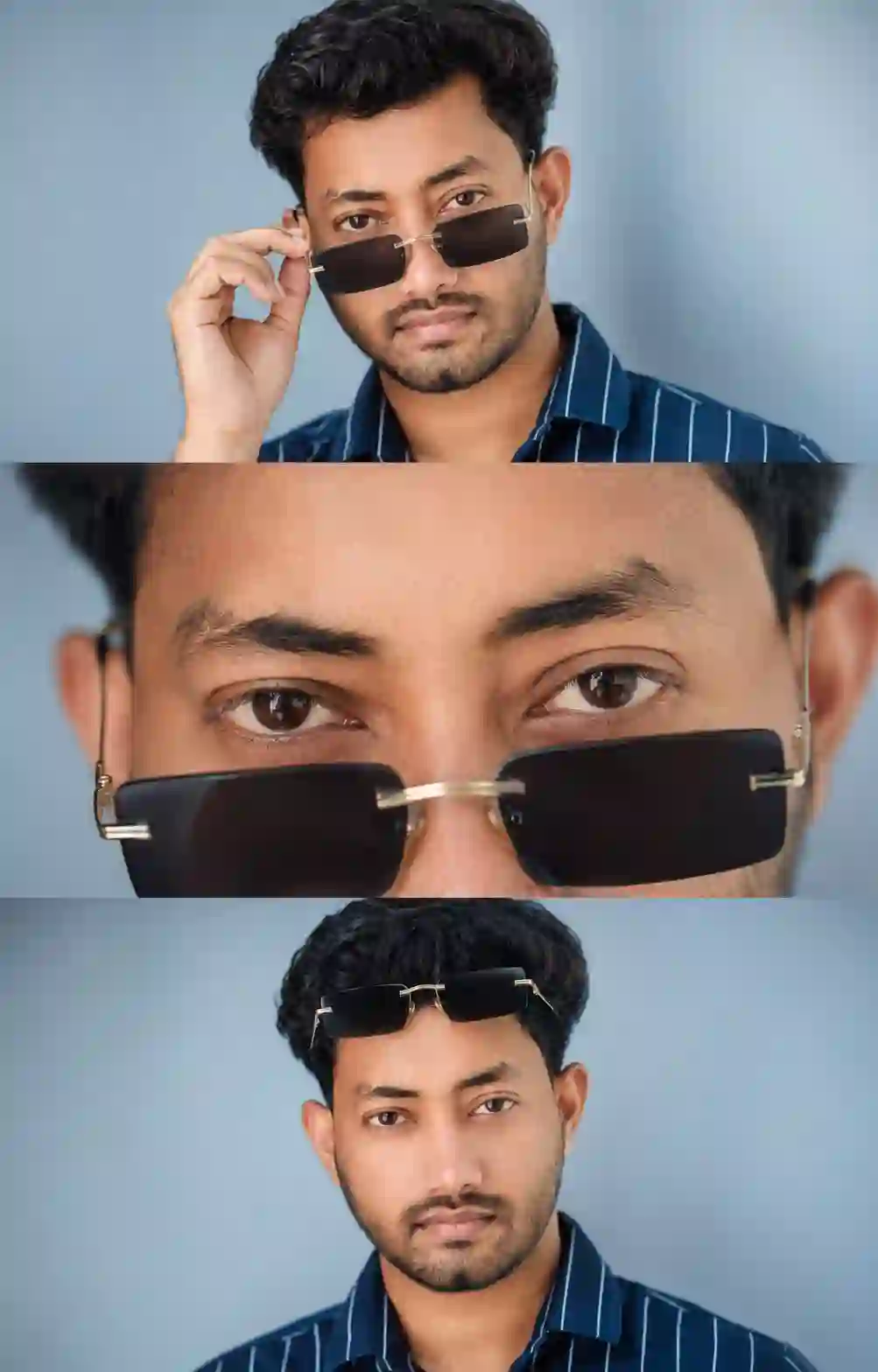
Ultra-realistic cinematic 3-panel portrait collage using the uploaded reference image. Preserve the exact same face identity, facial structure, hairstyle, beard, skin tone, and facial proportions with no changes.
7/7
Panel 1: Medium close-up, gently lowering luxury rectangular rimless sunglasses, intense eye contact, confident expression.
Panel 2: Extreme close-up of the eyes above the sunglasses, sharp eyebrows, dramatic gaze.
Panel 3: Front-facing symmetrical portrait with sunglasses on the forehead, serious expression.
Soft studio lighting, clean pastel background, natural skin texture, premium fashion editorial, shallow depth of field, 85mm lens, f/1.8, HDR, photorealistic, crisp focus, luxury color grading, vertical 3:4, no text, no watermark.
Try More Viral Prompts:
- Funny Big T-Shirt and Pant Photo Prompt
- Dirty Mirror Selfie Clean Prompt
- Instagram’s Sunset Effect Prompt
Note: This post was updated on 25 July, 2026.